|
For background information, see: About Customizing Worklists |
Split a window horizontally, vertically, or both:
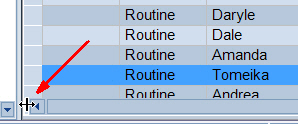
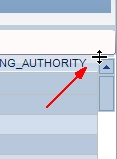
Find the splitter controls on the lower left and upper right corners.
Drag either control to split the window into two panes. As you drag, a gray bar appears showing where it will divide the window. The splitter bars can be repositioned later.
Within each pane, scroll to the cells you want to see.
To remove your panes, drag the splitter bar back to the edges of the window.
Related Topics: |