|
For background information, see: About Customizing Worklists |
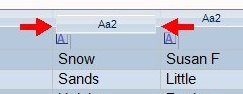
To stack a column, drag the column header to its new location. When two horizontal red arrows appear above the column headings, release the mouse button.
If the arrows are in-line with the top border of the target column to stack, the dragged column appears above the target column.
If the arrows are in-line with the bottom border of the target column to stack, the dragged column appears below the target column.
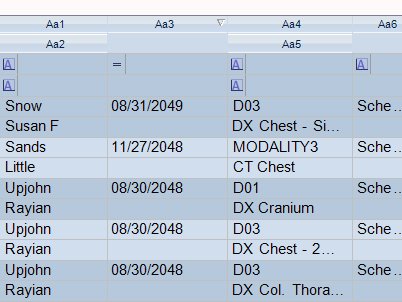
You can stack multiple columns:
To view a demonstration:
Stacking columns demonstration
Related Topics: |